← All projects
WINERY PASSPORT / ANDROID

A passport for
your winery visits.

Record each winery visit with a stamp, tasting notes, ratings, and photos.

See how it works Coming to Google Play
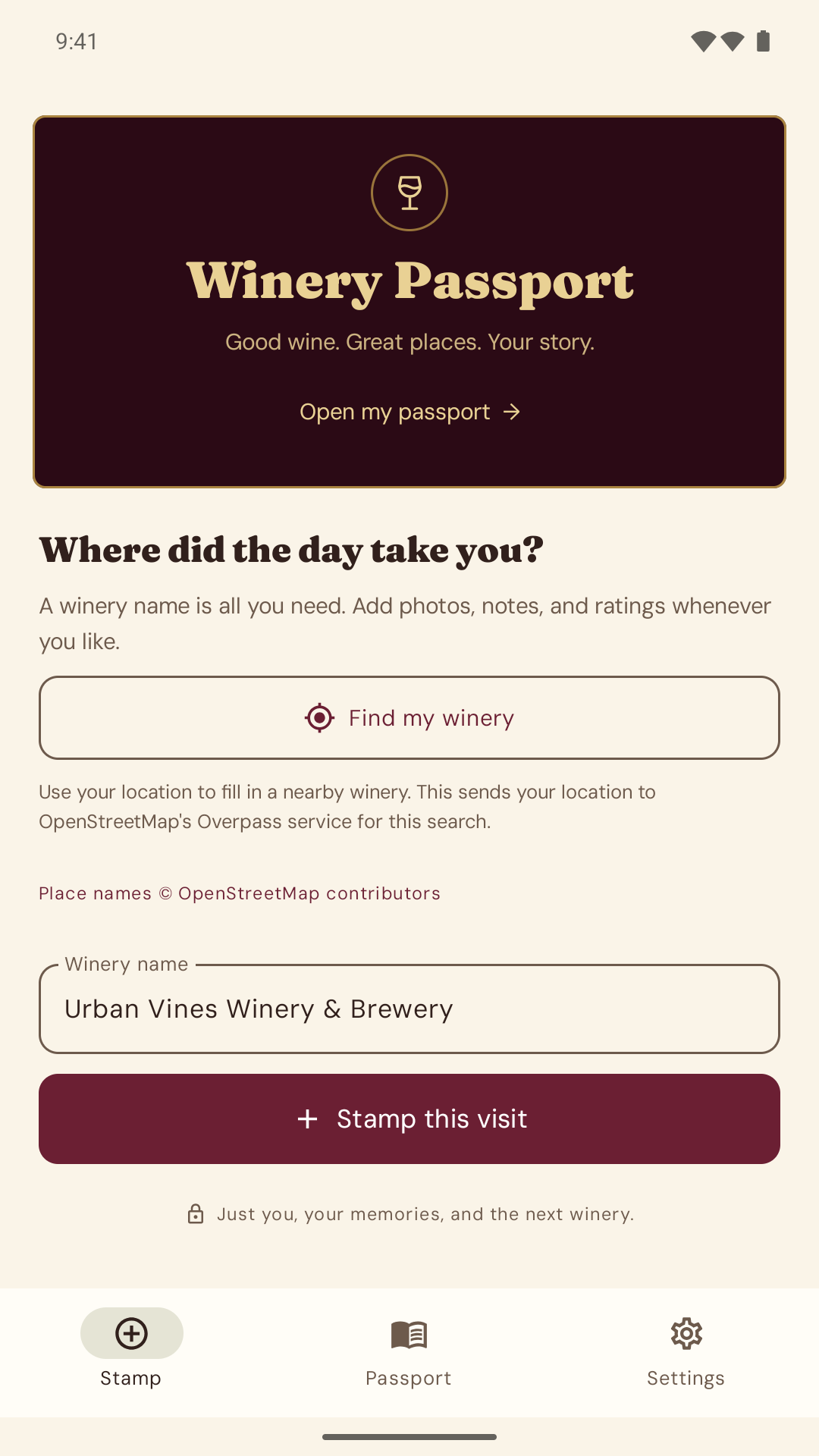
Winery Passport’s Stamp screen with Find my winery and manual name entry
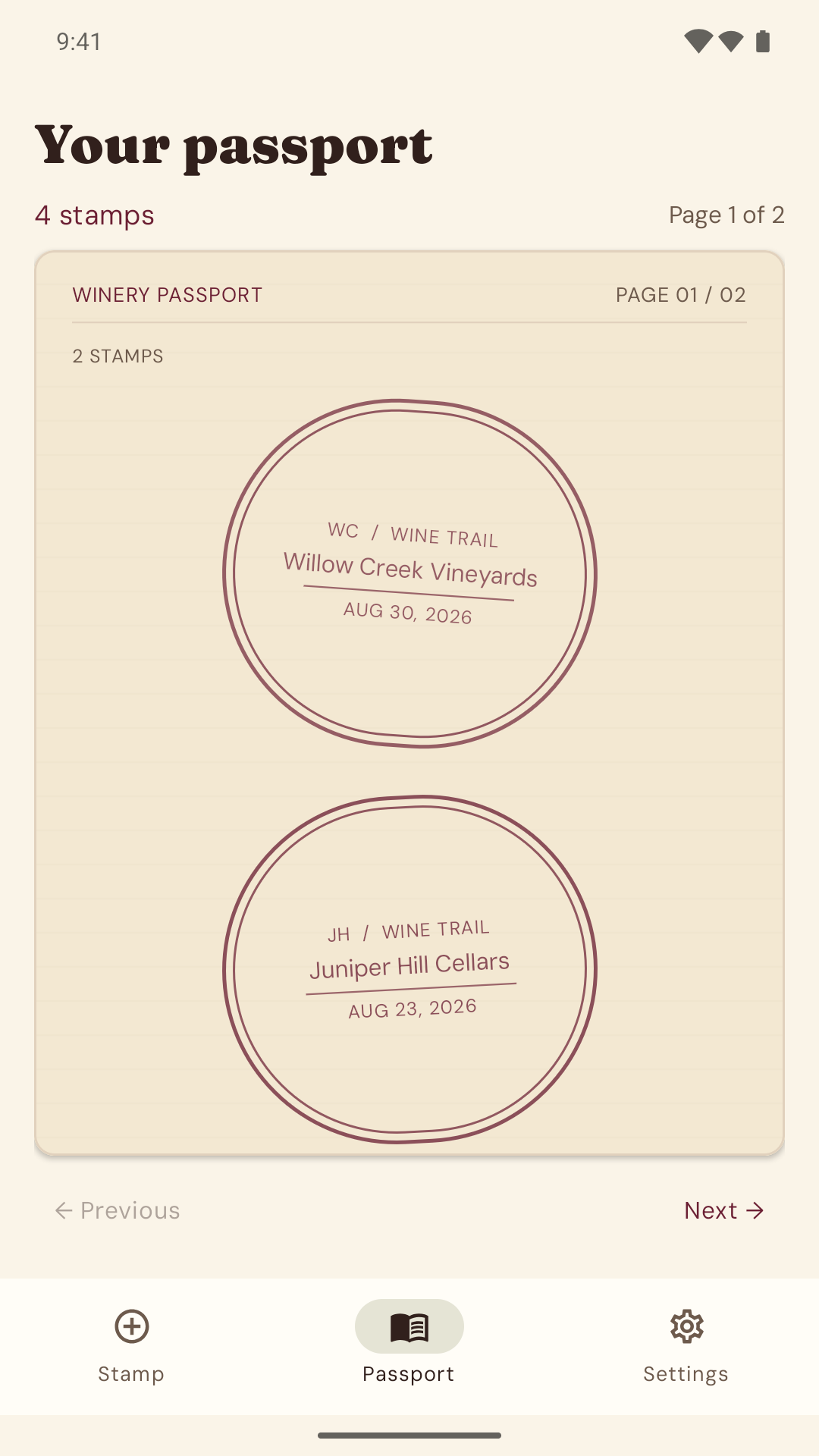
The passport screen showing personal winery visit stamps
No accountsNo ads or analyticsJournal works offlineManual ZIP backups

How it works

Find my winery suggests Urban Vines Winery & Brewery before saving a visit
01 / ADD A VISIT

Find or enter a winery.

Tap Find my winery for a nearby name suggestion. Edit it or enter your own, then tap Stamp this visit. Manual entry works offline.

A passport page with two example winery stamps
02 / YOUR PASSPORT

Browse your visits.

Each visit adds a stamp to your passport. Tap a stamp to open the visit’s details.

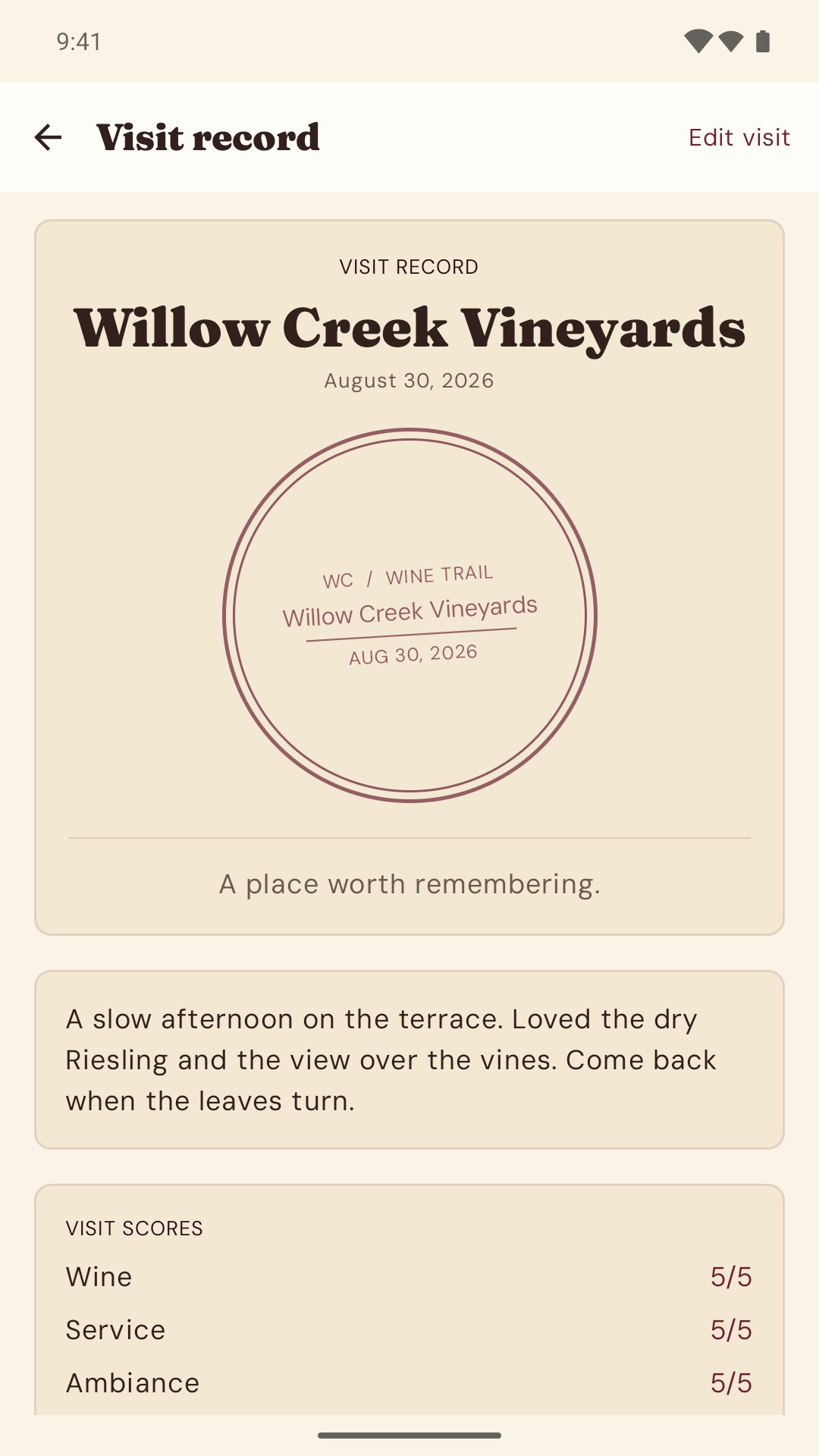
A saved sample visit with personal notes, wine, service and ambiance ratings, and photos
03 / VISIT DETAILS

Add notes and photos.

Add your photos, tasting notes, and personal ratings for wine, service, and ambiance.

Screenshots show the upcoming Android build. Passport entries and tasting notes are examples.

Your journal is
stored locally.

Your journal lives on your device. No account, ads, analytics, subscriptions, or Hoosier GeekWorks cloud copy.

Read the app’s privacy policy

Optional winery lookup

Nearby lookup uses foreground location and sends coordinates to the OpenStreetMap Overpass service. It needs internet access; your journal does not. Coordinates aren’t saved in your passport. Map coverage and service availability vary.

Back up before changing phones

Use Save a backup to export your visits, notes, ratings, and photos as a ZIP. Save one before changing phones or uninstalling: automatic Android backup and device transfer are disabled.

Delete visits and backups

Delete individual visits or clear the app’s storage. Exported ZIPs are not encrypted and must be deleted separately. See your data controls.


Help & information